
SearchWP Live Ajax Search Results With Thumbnails
SearchWP gives WordPress a far better search. Here is how to add product thumbnails to its live Ajax results so shoppers recognise what they searched for.

This article is also available in German.Read the German version
SearchWP is a great search engine for WordPress, very customizable and precise. This is why we like to use it on larger WordPress or WooCommerce installations.
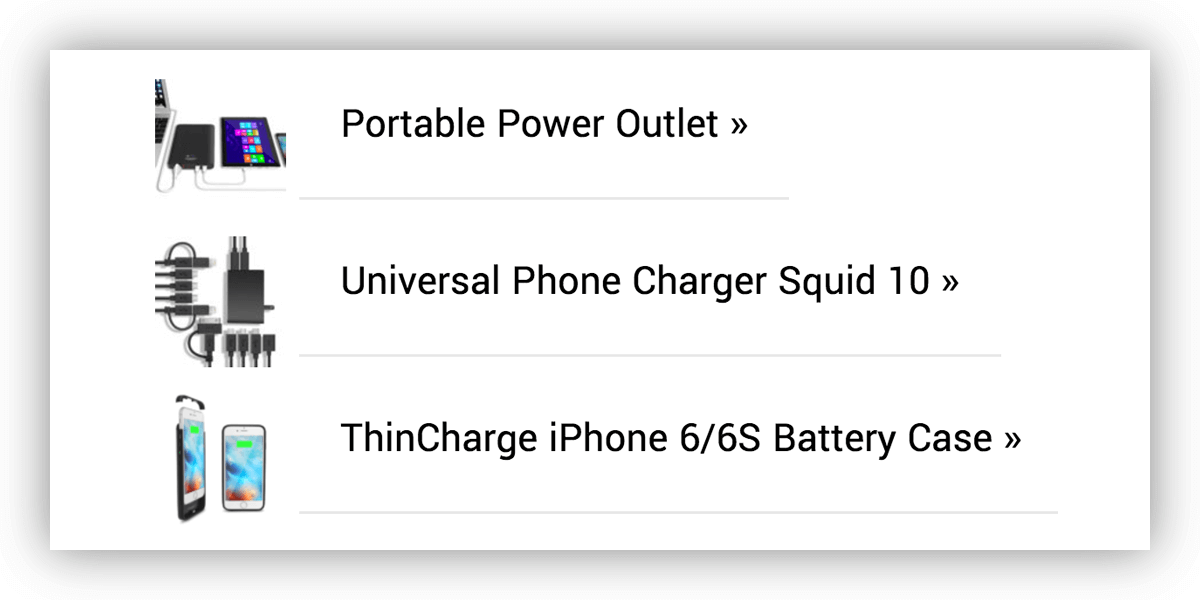
One of our clients requested to see live results while typing in the search keyword. And he also requested the product thumbnails to be shown next to the search results in the live search.
Enabling the live search is quite easy. You simply need to install and activate the free SearchWP Live Ajax Search plugin. Done.
But adding the thumbnails needs some custom coding which is why we created a new live search results template that we share publicly. Have a look at the following gist. It also contains the instructions how to install the template. Enjoy.