
Email From a Free HubSpot Account in 22 Minutes, Yes, Really
Setting up a working B2B newsletter with free tools only, from empty account to delivered email, in 22 minutes. Every step with screenshots.
This article is also available in German.Read the German version
I wanted to run a quick test: could I set up a working B2B newsletter in under 30 minutes, using only free tools, to promote an inflatable airtrack mat to physiotherapists?
Time budget
30 min
Actually needed
22 min
Cost
CHF 0
A free HubSpot account, no trial, no card
Spoiler: yes, I could. And I did it in 22 minutes.
But here is the thing. Even though my test involved selling a physical product, it is especially service businesses that benefit most from a clean, organised CRM setup. Whether you offer coaching, consulting, therapy or digital services, anything where relationships matter, a structured CRM is your best friend. And the fact that I could do this so quickly and for free proves there is no excuse not to get started.
Step by step, what I actually did
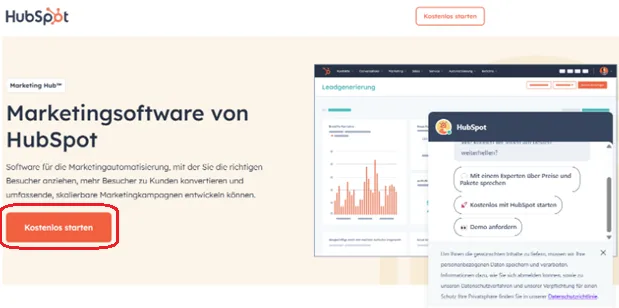
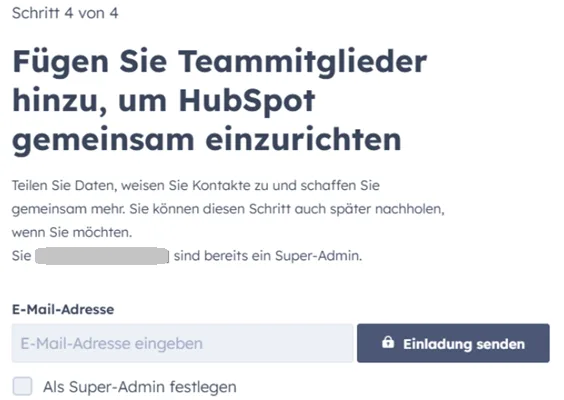
- Created a free HubSpot account. Two minutes. No hidden fees, no trial. Just free.
- Asked ChatGPT for a list of physiotherapists in the German speaking part of Switzerland. I needed a target group for an inflatable airtrack mat, which suits physiotherapy clinics well.
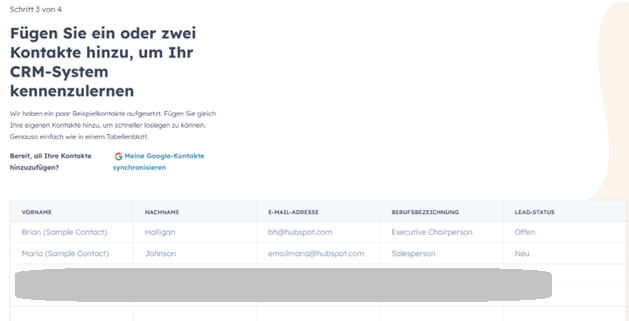
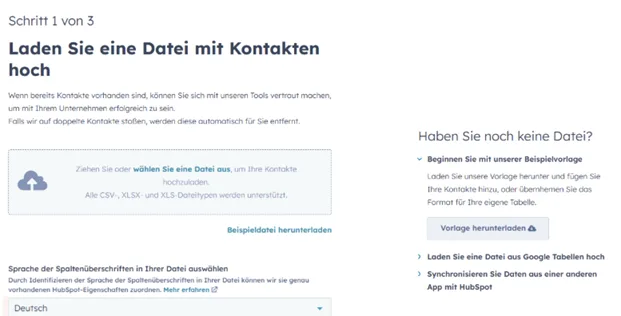
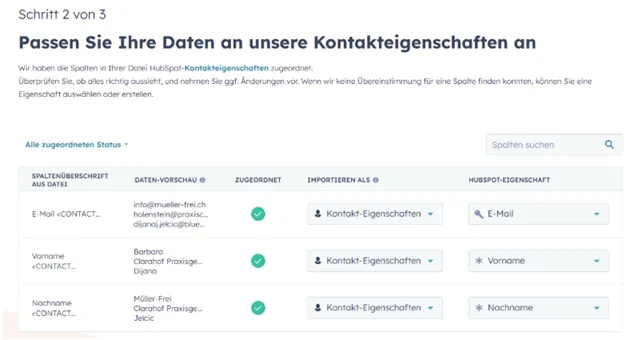
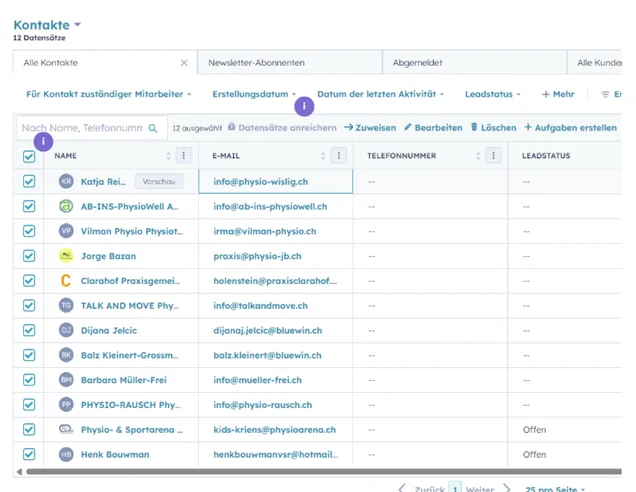
- Uploaded the contact list into HubSpot. It matched the fields automatically and stored the contacts.
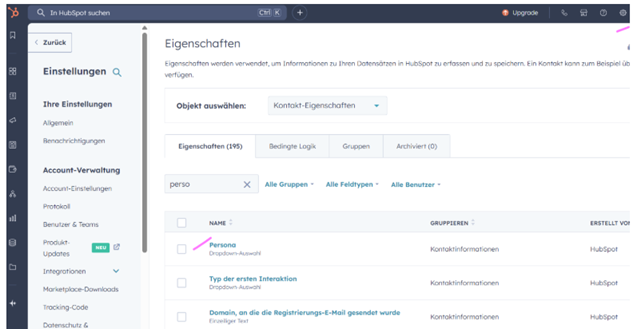
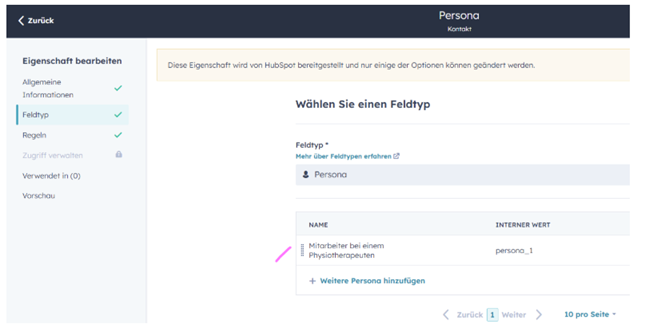
- Created a persona. My ideal customer: a staff member working in a physiotherapy practice.
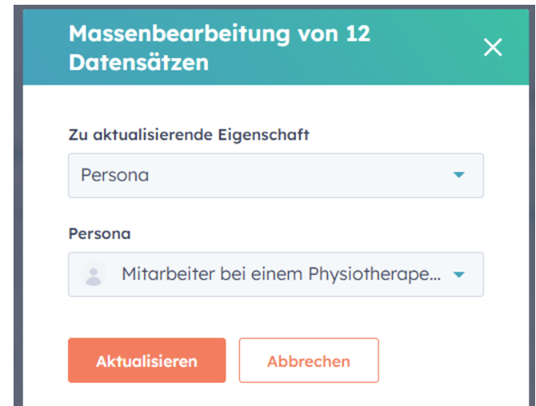
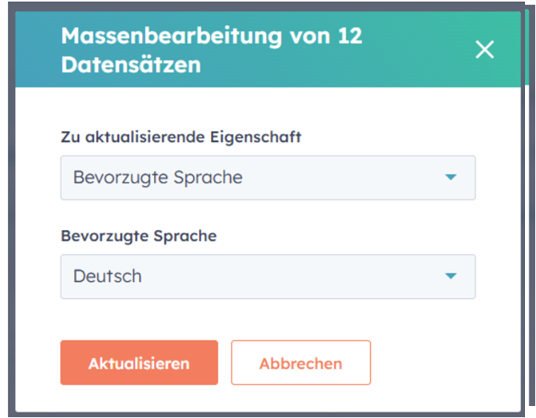
- Tagged all contacts with that persona and set their preferred language, so future campaigns can be segmented by audience and language.
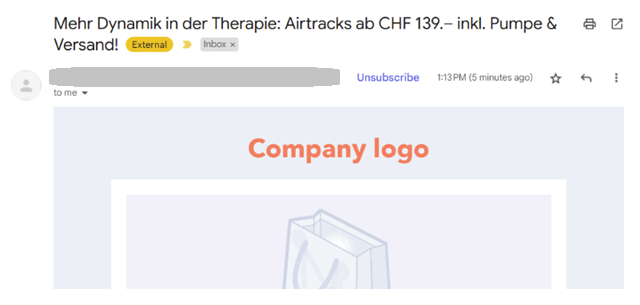
- Created a newsletter promoting the mat, highlighting balance training, dynamic rehab sessions and injury prevention.
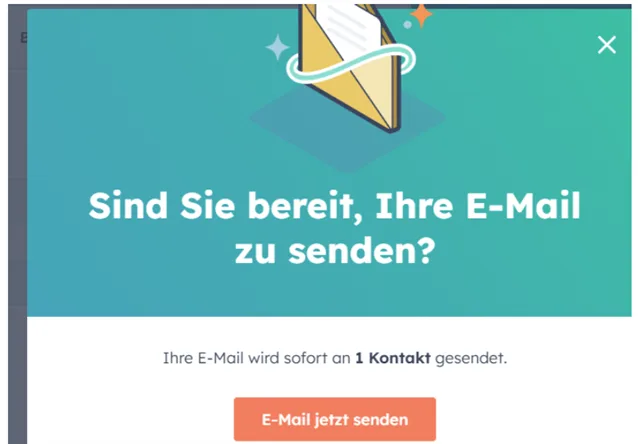
- Sent the newsletter to a test address. Done, in under 30 minutes.
The offer in the newsletter itself was simple:
What the newsletter promised
- Starting at CHF 139
- Includes pump and free shipping
- Multiple lengths and thicknesses available
- Three year warranty
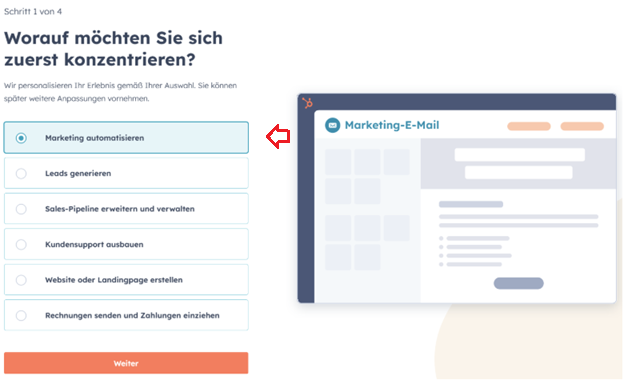
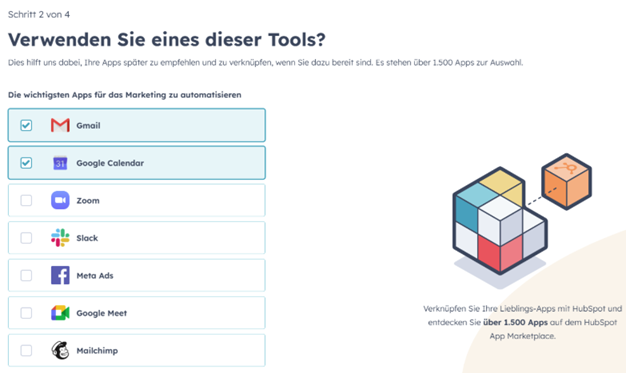
The whole thing in screenshots
Why am I sharing this?
Because anyone can do this. You do not need an agency, you do not need a big budget, and you do not need weeks of setup time. With a free HubSpot account and a little help from ChatGPT, you can go from zero to email-ready in no time and start marketing your product today.
If you want to go further, read how a CRM pays off and when it is worth starting one.
Need a hand?
If your setup is a bit bigger, or you simply want it right from the start, we are happy to help with complex HubSpot setups, training for your team, automations and workflows, a newsletter service or a website on the HubSpot CMS.