
Do Not Scale Meta Ads on Reported ROAS Alone
AI ads and ChatGPT are changing search and advertising. Learn what’s coming, what’s real, and how we’re already prepared for what’s next.
This article is also available in German.Read the German version
This is one of the most common questions we hear from WooCommerce store owners running Meta ads.
At first glance, it looks like something is broken:
- Meta Ads Manager reports great results
- ROAS looks strong
- The algorithm suggests scaling
But when you open WooCommerce, the numbers don’t line up.
Before jumping to conclusions, it’s important to understand what these platforms are actually measuring, and why blindly trusting Meta’s reported ROAS can lead to very expensive decisions.
As a WooCommerce-focused Google Ads and Meta Ads agency, this is one of the most common (and costly) mistakes we see.
Step One: Make Sure You’re Measuring Correctly
Before talking about attribution and ROAS, one thing must be clear:
If your tracking setup is wrong, everything else is meaningless.
Duplicate pixels, broken CAPI deduplication, automatic events, or overlapping plugins can easily inflate Meta conversions and ROAS, and that is a fixable problem.
If you’re using Pixel Manager for WooCommerce, we’ve written a detailed technical guide on SweetCode that explains:
- How to set up the Meta pixel correctly
- How browser events and CAPI work together
- How deduplication prevents double-counting purchases
👉 If you’re using Pixel Manager for WooCommerce, read that guide first.
If you’re using Google Tag Manager for Meta tracking instead, we’ll be honest: you’re mostly on your own.
GTM can work, but it requires:
- Custom event logic
- Manual deduplication handling
- Ongoing debugging when Meta changes something
For most WooCommerce shops, that means more guessing than certainty.
That’s why we strongly recommend Pixel Manager for WooCommerce. Even the free version already removes a lot of technical complexity and eliminates common tracking errors that happen with GTM-based setups.
Once you’re confident that tracking is technically correct, you can move on to the real issue.
What a “Conversion” Means in WooCommerce
In WooCommerce, a conversion is simple and unambiguous:
Someone placed an order and paid.
No attribution model. No interpretation. An order exists, or it doesn’t.
That’s the number your business actually runs on.
How Google Ads Typically Defines a Conversion
With Google Ads, the mental model most store owners have looks like this:
- A user clicks a Google ad
- They visit your shop
- They make a purchase within a defined time window
- Google attributes the conversion to that click
It’s not perfect, but it’s intuitive:
No click, no conversion.
Meta Uses a Different Definition, on Purpose
Meta does not require a click to claim a conversion.
By default, Meta also counts view-through conversions.
This means:
- A user sees your Facebook or Instagram ad
- They do not click it
- Later, they return to your shop via Google, email, direct traffic, or another channel
- They place an order in your WooCommerce shop
Meta may still count this as a conversion, even though the ad was never clicked.
The purchase is real. The credit is debatable.
Meta isn’t lying, but it is using a broader attribution model than most WooCommerce store owners expect.
Why Meta Can Show More “Conversions” Than WooCommerce Orders
This is where the confusion really comes from.
WooCommerce shows:
- Real, paid orders
Meta shows:
- Orders it attributes to ad exposure
That difference alone can explain why:
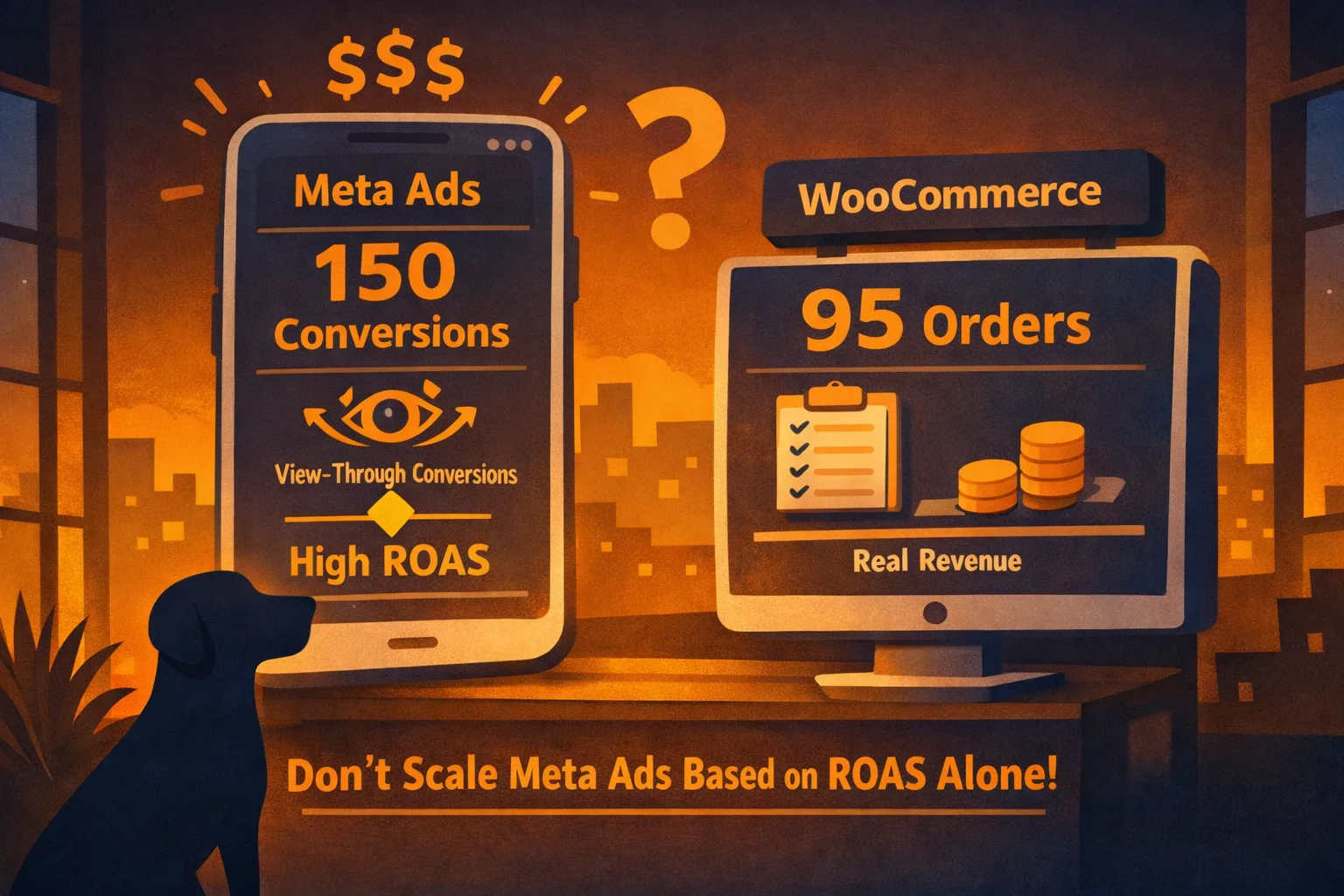
- Meta reports 150 conversions
- WooCommerce shows only 95 orders
Even when tracking is set up perfectly.
Why Reported ROAS Can Be Dangerous
Meta Ads Manager doesn’t just report performance, it actively encourages scaling when ROAS looks good.
The problem is simple:
Quote
Meta ROAS is an attribution metric, not a WooCommerce revenue metric.
This creates a dangerous feedback loop:
- Meta reports strong ROAS
- Budget is increased
- Meta claims more view-through conversions
- Reported ROAS stays high
- Real WooCommerce revenue grows slowly, or not at all
From the dashboard, everything looks great. From the business side, margins quietly disappear.
⚠️ Never Scale Meta Ads Based on Meta ROAS Alone, Scale Based on Meta ROAS Plus Real Revenue Growth
Even with perfect tracking, Meta’s numbers will never behave like WooCommerce orders.
Here’s why:
- WooCommerce counts paid orders
- Meta counts orders it attributes to ad exposure
- View-through conversions inflate reported ROAS
- Retargeting and strong brands are affected most
You can limit this effect, but you can’t eliminate it:
- In Ads Manager, you can reduce Meta’s attribution window (for example from 7-day click to 1-day click)
- You can evaluate click-based metrics instead of relying on Meta’s default “Results” column
Even then, Meta will still attribute more broadly than Google Ads.
The practical rule is simple: Only scale Meta ads when strong reported ROAS is confirmed by real WooCommerce revenue growth.
There Is No Magic ROAS Correction Formula
A question we hear a lot is:
Quote
“Should we just divide Meta ROAS by two?”
There is no universal multiplier.
ROAS inflation depends on:
- Brand strength
- Retargeting share
- Attribution settings
- Campaign objectives
- Traffic mix
Experienced advertisers don’t “fix” Meta numbers with math. They validate them against business results.
Meta ROAS should be treated as an upper bound, not the truth.
Our Approach as a WooCommerce Ads Agency
When we manage Meta Ads and Google Ads for WooCommerce shops, we don’t optimize for dashboards, we optimize for profitable growth.
That means:
- Technically clean tracking (pixel, CAPI, deduplication)
- Conservative attribution settings
- Performance always validated against WooCommerce revenue
- Budgets scaled only when the shop confirms the story the ad platform tells
Sometimes the right move is to scale. Sometimes the right move is to not scale, even when Meta suggests it.
That judgment is where real performance marketing starts.
Final Takeaway
Meta Ads can be extremely powerful for WooCommerce.
But Meta’s reported ROAS is not neutral, it’s an attribution metric designed to show impact.
If you blindly scale Meta ads for your WooCommerce shop based only on reported ROAS, you risk scaling costs faster than revenue.
Use Meta ROAS as a signal, not a command.